Sigma Computing: What It Is, Features, Careers and Valuation
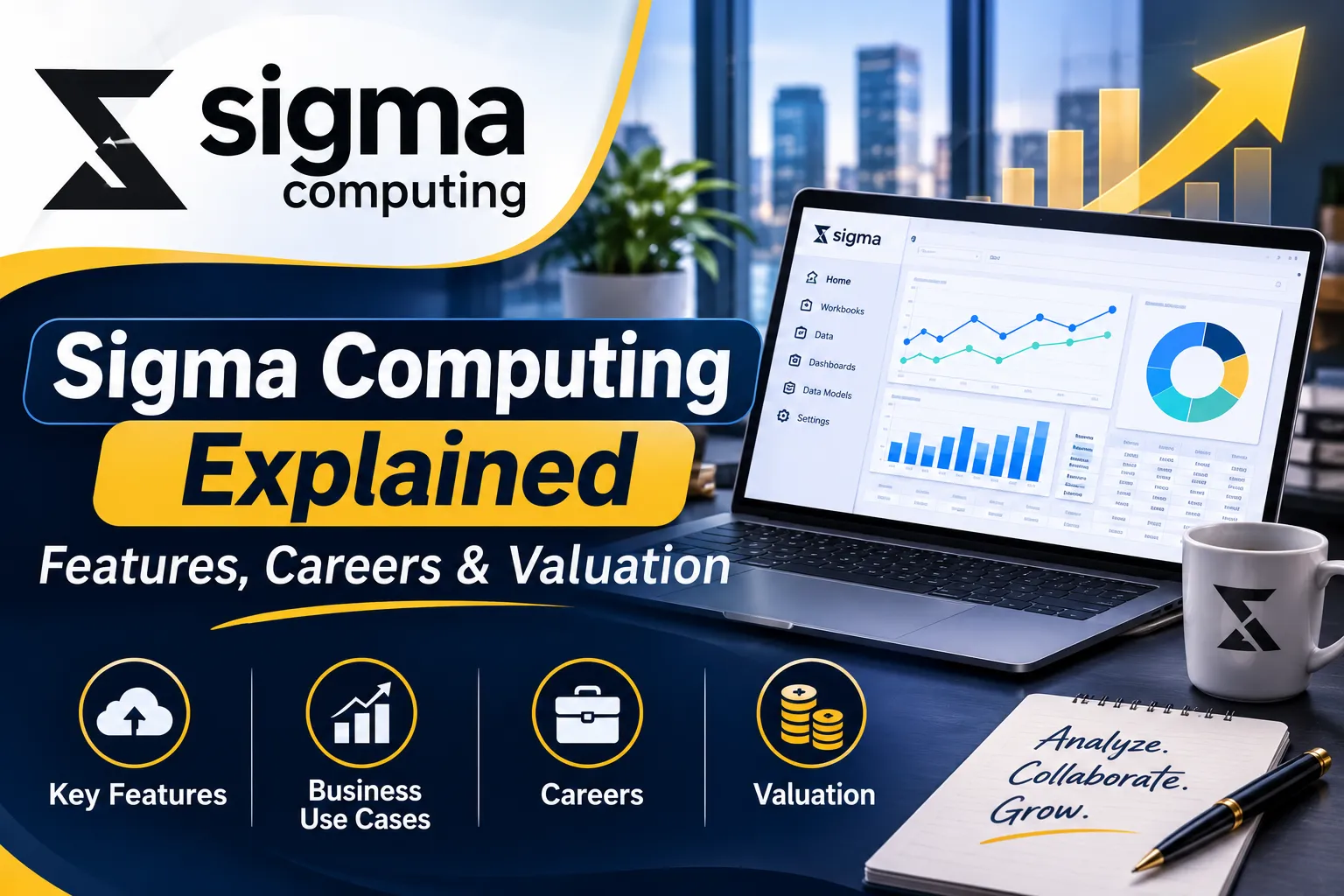
Sigma Computing is a cloud-based analytics and business intelligence platform that lets people explore business data through a spreadsheet-style interface. Instead of requiring users to move data into a separate analytics system, Sigma connects to supported cloud data warehouses and lets users work with data where it is stored. It brings familiar spreadsheet actions, dashboards, SQL, Python and AI-powered capabilities into a shared workspace.
For organizations that want analysts and business teams to investigate metrics, build reports, create data-driven applications and work with large datasets, Sigma offers a way to make warehouse data more accessible. Understanding how it works, what teams can build with it, which data platforms it supports, its business background and its limitations can help organizations decide whether it fits their needs.
What Is Sigma Computing?
Sigma Computing is a business intelligence (BI) and analytics software company whose platform is designed around live access to cloud data warehouses. Users can analyze data, create calculations, build dashboards and explore underlying records using a browser-based spreadsheet interface.
The platform is intended to help business users work with data while allowing technical teams to maintain control over data access and infrastructure.
Sigma is not itself a cloud data warehouse. It is an analytics layer that works with supported warehouse and database systems. Its operations are translated into queries that execute against connected data infrastructure, so the underlying warehouse remains an important part of the architecture.
What Does Sigma Computing Do?
Sigma helps organizations turn stored business data into analysis, dashboards and interactive workflows. Users can connect to supported data platforms, explore tables, create calculations and visualizations, and share workbooks with colleagues.
More technical users can work with SQL and Python, while less technical users can often accomplish common analysis tasks with spreadsheet formulas and interface controls.
Depending on the setup and supported data platform, Sigma also offers capabilities for building applications, collecting inputs, embedding analytics and using AI-assisted features.
Its primary purpose is to bring data exploration and practical business workflows closer together. This reflects the wider role of modern digital tools in helping organizations manage information and everyday business tasks.
How Does Sigma Computing Work?
Sigma connects to supported data platforms such as Snowflake, Databricks, Google BigQuery, Amazon Redshift, PostgreSQL and MySQL.
Rather than requiring a separate extract for every analysis, Sigma generates queries for operations users perform and executes them through the connected data platform.
Users generally work in something called a workbook. A workbook can contain different elements, including:
- Tables and pivot tables
- Charts and visualizations
- KPI displays
- Filters and interactive controls
- Calculated columns and formulas
- Text and explanatory content
- Data-driven application components
Workbooks can be shared, and permissions determine what users can access or change.
The connected warehouse, its configuration and Sigma’s own permission settings all matter when managing access.
Key Features of Sigma Computing
Sigma combines familiar spreadsheet functionality with business intelligence and cloud data capabilities.
1. Spreadsheet-Style Data Analysis
One of Sigma’s defining features is its spreadsheet-like interface.
Users familiar with Excel or Google Sheets can work with tables, formulas, filters, calculations and aggregations without necessarily writing SQL for every task.
This makes data exploration more approachable for business teams.
2. Interactive Dashboards
Users can combine charts, tables, pivot tables, KPI displays and filters into interactive dashboards.
Instead of looking at a static report, users can explore different dimensions, compare periods and investigate the records behind summarized results.
3. Live Data Warehouse Connections
Sigma’s warehouse-connected architecture allows users to analyze data stored in supported platforms without relying on a separate copy for every workbook.
This can help organizations work with current data, although performance and query costs depend on warehouse resources, query design and configuration.
4. SQL and Python Support
Sigma is not limited to no-code analysis.
Technical users can use SQL and Python in supported workflows, making the platform useful for more advanced data analysis alongside its spreadsheet interface.
5. Collaboration and Sharing
Teams can share workbooks, publish dashboards and collaborate around common datasets.
Permissions and governance controls help organizations determine who can view, edit or interact with particular content.
6. AI-Powered Capabilities
Sigma has expanded its platform with AI-assisted analytics and application-building capabilities.
These features aim to make it easier to work with business data, create applications and support more natural interactions with analytics.
However, AI-generated results still require appropriate data access, reliable underlying information and human verification.
7. Data Applications and Input Workflows
Sigma also supports workflows that go beyond displaying information.
Depending on configuration, teams can build interactive experiences that accept user inputs and support operational or planning processes.
This makes it possible to use analytics as part of everyday business workflows rather than treating dashboards as standalone reporting tools. Similar practical uses of online utilities can also help users handle specific digital tasks without relying on separate tools for every activity.
What Can Teams Build With Sigma Computing?
Sigma is not limited to traditional business dashboards. Its combination of tables, calculations, visualizations, inputs and warehouse connections can support different types of business analysis and operational workflows.
Here are some practical examples.
Sales Performance Dashboards
Sales teams can use Sigma to monitor:
- Revenue and sales targets
- Sales pipeline performance
- Conversion rates
- Regional sales comparisons
- Individual account performance
- Monthly and quarterly results
Managers can use filters to compare periods and investigate individual records when performance changes.
Financial Reports and Planning Workflows
Finance departments can build budget tracking, forecasting, variance analysis and management reporting workflows.
For example, a finance team could compare actual spending against planned budgets and investigate which departments or categories are responsible for differences.
Input-based workflows can also help teams collect assumptions and compare them with actual results where the required functionality is enabled.
Marketing Analytics
Marketing teams can analyze campaign performance, customer acquisition, advertising spend, conversion paths and retention.
Data from different marketing systems needs to be available in the connected data environment before it can be analyzed.
Operations and Inventory Monitoring
Operations teams can monitor inventory levels, fulfilment performance, service levels, supply-chain metrics and operational exceptions.
Interactive dashboards can help identify problems that require attention.
Customer and Product Analytics
Product and customer teams can explore usage trends, adoption, customer segments and behavioral data.
For example, a product team might investigate which features customers use most frequently and whether usage patterns differ between customer groups.
Data Quality and Business Reporting
Data teams can use Sigma to develop reusable datasets, investigate data quality issues and create shared workbooks.
This can help reduce duplicated analysis and make reporting more consistent across departments.
Supported Data Platforms and Integrations
Sigma is designed to work with cloud data platforms and supported databases.
Its supported connections include:
| Data platform | Common purpose |
|---|---|
| Snowflake | Cloud data warehousing and analytics |
| Databricks | Data engineering, analytics and AI |
| Google BigQuery | Cloud-based data analysis |
| Amazon Redshift | Cloud data warehousing |
| PostgreSQL | Relational database management |
| MySQL | Relational database management |
| Azure SQL Database | Cloud-hosted relational data |
Additional connections and capabilities may be available depending on the current product configuration.
Organizations should verify compatibility before implementation because not every feature necessarily works identically across all connections.
It is also important to understand that Sigma does not replace every data engineering requirement. Organizations may still need data ingestion pipelines, transformations, data modeling, quality checks and processes for maintaining consistent business metrics.
Who Should Use Sigma Computing?
Sigma can serve different roles within an organization, particularly when business users and technical teams need to work with the same data.
Business analysts: Analysts can explore datasets, create calculations, investigate trends and build interactive reports.
Managers: Department managers can monitor performance metrics and investigate changes without depending entirely on manually prepared reports.
Data analysts and BI developers: These professionals can create dashboards, reusable analyses and shared workbooks.
Data engineers: Technical teams can support warehouse connections, data access, governance and reusable data structures.
Executives: Business leaders can use dashboards to monitor important metrics and investigate business performance.
However, Sigma is not automatically suitable for every organization. Its usefulness depends on the existing data infrastructure, budget, technical requirements and the people who will use the platform.
Benefits and Limitations of Sigma Computing
Understanding both the advantages and limitations is important before adopting any business intelligence platform.
Benefits
- Familiar interface: The spreadsheet-style design can make data exploration easier for people who already understand spreadsheets.
- Warehouse-connected analytics: Users can work with data in supported cloud data platforms.
- Interactive reporting: Dashboards allow users to filter, explore and investigate information.
- Technical flexibility: SQL and Python support provide additional options for technical users.
- Collaboration: Shared workbooks help teams work with common information.
- Broader workflows: Application and input capabilities can support processes beyond traditional reporting.
Limitations
- Data infrastructure requirements: Organizations need an appropriate supported data platform and properly configured connections.
- Warehouse costs: Queries executed against connected infrastructure can consume computing resources and affect costs.
- Technical configuration: Authentication, permissions, data modeling and governance still require attention.
- Learning requirements: Spreadsheet familiarity helps, but advanced analytics and application workflows may require additional training.
- Feature compatibility: Capabilities can vary depending on the connected data platform and product configuration.
A practical way to evaluate Sigma is to test it with actual company datasets, representative queries and real user permissions rather than relying only on feature descriptions.
Sigma Computing Company Overview
Sigma Computing, Inc. is a privately held software company founded in 2014 and headquartered in San Francisco, California.
The company develops cloud-based business intelligence and analytics software. Its platform is designed to make data exploration more accessible through a spreadsheet-style interface while allowing organizations to work with data stored in cloud warehouses.
Over time, Sigma has expanded its product direction beyond traditional dashboards and reporting. Its capabilities now include data applications, interactive workflows and AI-assisted analytics.
The company operates in the business intelligence, analytics, cloud data services and enterprise software markets.
Company Information at a Glance
| Detail | Information |
|---|---|
| Company name | Sigma Computing, Inc. |
| Common name | Sigma Computing |
| Founded | 2014 |
| Headquarters | San Francisco, California, United States |
| Company status | Private |
| Industry | Business intelligence and analytics |
| Main product | Cloud-based analytics platform |
| Business focus | Data exploration, reporting and applications |
| Founders | Jason Frantz and Rob Woollen |
Sigma’s business model centers on providing software that helps organizations access, analyze and use their business data.
Sigma Computing Valuation and Funding
Sigma Computing is a privately held company, meaning its shares are not traded on a public stock exchange.
In May 2026, the company announced an $80 million Series E financing round at a reported $3 billion valuation.
The financing was led by Princeville Capital, with participation from strategic investors including Databricks Ventures, ServiceNow Ventures and Workday Ventures, alongside returning investors.
The company also reported reaching $200 million in annual recurring revenue in April 2026 and more than 100% year-over-year growth in its latest fiscal year.
These figures are company-announced information and should be understood in their stated context rather than treated as independently audited financial statements.
What Does Sigma’s Valuation Mean?
A private company’s valuation represents an estimated business value associated with a financing transaction or other valuation process.
It does not mean that the company has that amount of cash available, nor does it represent its annual revenue.
For Sigma, the reported $3 billion valuation provides an indication of how the company was valued in connection with its May 2026 financing.
Because Sigma is privately held, its valuation is not continuously updated through public stock-market trading.
Sigma Computing Careers
Sigma Computing careers may appeal to people interested in software engineering, product development, data analytics, customer-facing roles, sales, marketing, security and business operations.
As the company expands its analytics and AI capabilities, the skills and experience it seeks may also change.
People exploring opportunities should consider the following areas:
- Software engineering and development
- Data analytics and business intelligence
- Product management and design
- Customer success and technical support
- Sales and business development
- Marketing and communications
- Security and business operations
Applicants should carefully check individual job descriptions for location, experience requirements, technical skills, work arrangements and application instructions.
Job availability changes over time, so a particular position should not be assumed to remain open.
Should We Go With Sigma Computing or Hashboard?
Choosing between Sigma Computing and Hashboard depends on an organization’s data environment, analytics requirements, governance needs and preferred working style.
Both are associated with modern business intelligence and warehouse-oriented analytics, but they have different product approaches and areas of emphasis.
Sigma emphasizes a spreadsheet-style interface, live warehouse analytics, dashboards, applications and a combination of business-user and technical workflows.
Hashboard has emphasized metric-centric exploration and helping data teams define and distribute consistent metrics for broader organizational use.
The best option depends on what your team actually needs.
Sigma Computing vs. Hashboard Comparison
| Comparison area | Sigma Computing | Hashboard |
|---|---|---|
| Main focus | Warehouse-connected BI and analytics | Metric-focused analytics and exploration |
| User experience | Spreadsheet-style interface | Metric-oriented data exploration |
| Dashboards | Interactive dashboards and workbooks | Analytics and reporting workflows |
| Technical users | SQL and Python support in supported workflows | Data-team and metric-management workflows |
| Business users | Self-service analysis and reporting | Exploration using defined business metrics |
| Potential fit | Teams needing broad analysis and interactive applications | Teams prioritizing standardized metrics and guided exploration |
Product capabilities and availability can change, so organizations should verify current functionality before making a final decision.
Which One Should You Choose?
Sigma may be a suitable option if your organization wants spreadsheet-style analytics, interactive dashboards, warehouse-connected data exploration and application-building capabilities.
Hashboard may be worth considering if your primary priority is metric definitions, consistent business measurements and guided self-service exploration.
Before deciding, test both products against the same requirements:
- Connect representative datasets.
- Build dashboards for actual business questions.
- Test metric definitions and consistency.
- Compare user permissions and governance.
- Evaluate query performance and warehouse costs.
- Check application-building and collaboration requirements.
- Compare licensing and implementation costs.
The best platform is the one that helps your team answer business questions accurately while remaining manageable, secure and cost-effective.
Frequently Asked Questions About Sigma Computing
1. What is Sigma Computing used for?
Sigma Computing is used for business intelligence, data exploration, interactive dashboards, reporting, calculations and data-driven applications connected to supported cloud data platforms. It helps technical and non-technical users work with business data.
2. Is Sigma Computing a spreadsheet?
Sigma has a spreadsheet-style interface, but it is a cloud analytics platform rather than a traditional spreadsheet file. Its interface works with data connected to cloud warehouses and supports dashboards, visualizations and more advanced analysis.
3. Does Sigma Computing require SQL?
No, SQL is not necessary for every task. Many common operations can be performed through the spreadsheet-style interface, formulas and controls. SQL and Python are also available in supported workflows for users who need more technical flexibility.
4. Which data warehouses does Sigma Computing support?
Supported connections include Snowflake, Databricks, Google BigQuery, Amazon Redshift, PostgreSQL, MySQL and other platforms. Support for particular features varies by connection, so organizations should check compatibility for their intended workflow.
5. What is Sigma Computing’s valuation?
Sigma announced an $80 million Series E financing round in May 2026 at a reported $3 billion valuation. This represents a private-company valuation associated with that financing, not a public stock-market price.
6. Is Sigma Computing suitable for small businesses?
It can be suitable for smaller organizations that already have, or plan to use, a supported cloud data platform and need interactive analytics. Its suitability depends on infrastructure, budget, licensing, workload complexity and the number of users.
7. What can teams build with Sigma Computing?
Teams can build interactive dashboards, sales and marketing reports, finance planning workflows, operational analytics, data applications and data exploration workbooks. Exact capabilities depend on the connected data platform and product configuration.
8. Who founded Sigma Computing?
Sigma Computing was founded by Jason Frantz and Rob Woollen in 2014. The company is headquartered in San Francisco, California, United States.
9. Is Sigma Computing a public company?
No. Sigma Computing is privately held. Its reported financing valuation should not be confused with a publicly traded share price.
10. Should we go with Sigma Computing or Hashboard?
The decision depends on your requirements. Sigma may suit teams looking for spreadsheet-style analytics, interactive dashboards and data applications. Hashboard may suit teams prioritizing standardized metrics and guided data exploration. Test both against your actual workflows before choosing.
Conclusion
Sigma Computing brings spreadsheet-style exploration, interactive business intelligence and application-building capabilities to data stored in supported cloud warehouses. Its approach can help business users investigate metrics while data teams manage connections, access and governance. AI capabilities also broaden its potential beyond traditional dashboards and reporting.
Whether Sigma is the right fit comes down to your data architecture, users, workloads, security requirements and costs. Understanding these factors and testing the platform against real business questions provides a practical foundation for evaluating its capabilities, company background, valuation and long-term fit.